Hey champs! 👋 I’m Vikas Sankhla, your full-stack buddy from Web Codder.
Today, we’re unlocking the powerful tools inside HTML5 and CSS3.
Think of this like upgrading from a normal bicycle 🚲 to a super cool electric bike ⚡.
Let’s dive into the magic that makes websites modern, beautiful, and smart!
🏗️ What’s New in HTML5?
HTML5 brought many upgrades. It made websites:
- Easier to read (for both humans and computers)
- More interactive
- Mobile and browser friendly 📱🌐
Let’s explore the main tools:
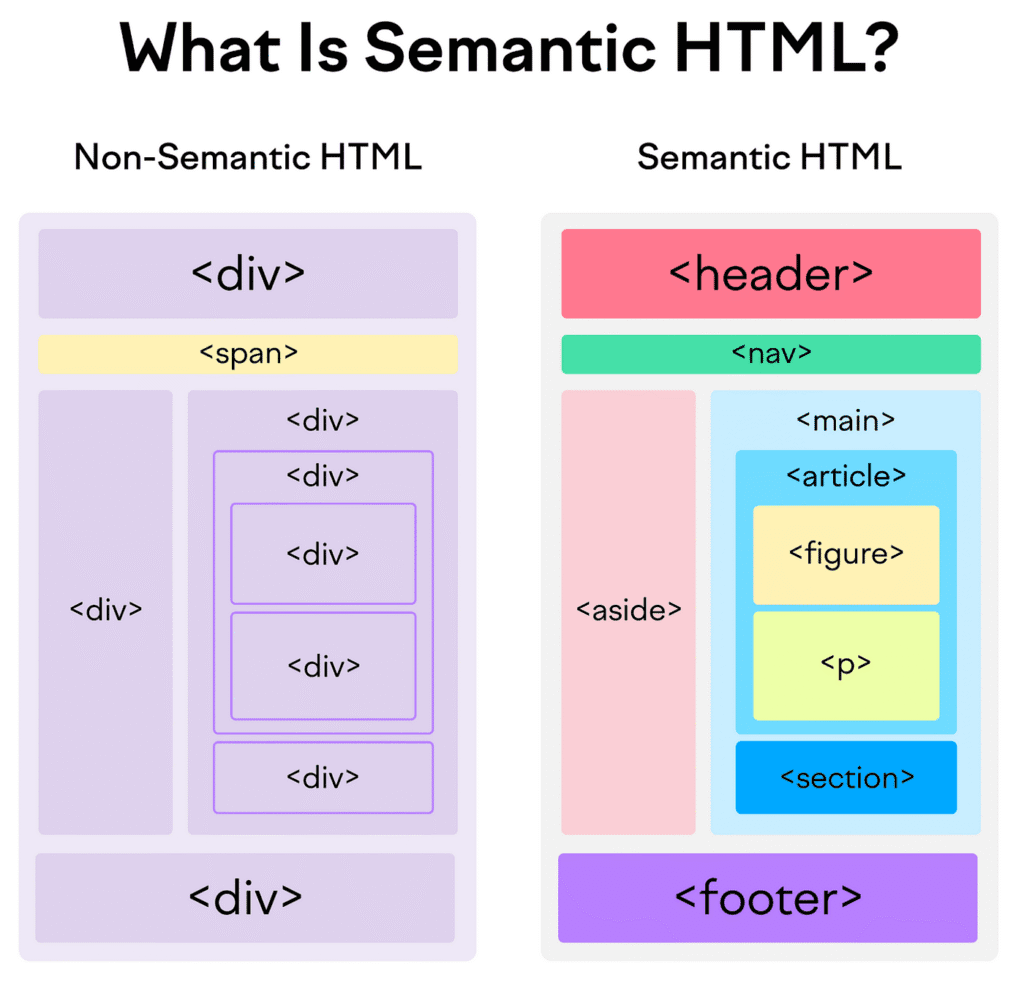
🧱 Semantic Elements – Clean Code, Better SEO!
Semantic elements tell browsers what each part of the page means.
🔤 Examples:
<header>Site logo and navigation</header>
<main>Main content of the page</main>
<article>Independent blog post</article>
<section>Section inside an article</section>
<footer>Copyright info</footer>
✅ Why Use Them?
- Better for SEO (search engines love clean code)
- Easier to maintain and read
- Works great with screen readers (accessibility)
🧪 New Input Types in HTML5 Forms
Old HTML only had basic inputs: text, checkbox, radio.
Now you can collect smarter info using new input types!
🆕 New Input Types:
| Type | Example Use |
|---|---|
| date | Birthday picker 🎂 |
| Email address 📧 | |
| tel | Phone number ☎️ |
| range | Volume slider 🔊 |
| color | Pick a color 🎨 |
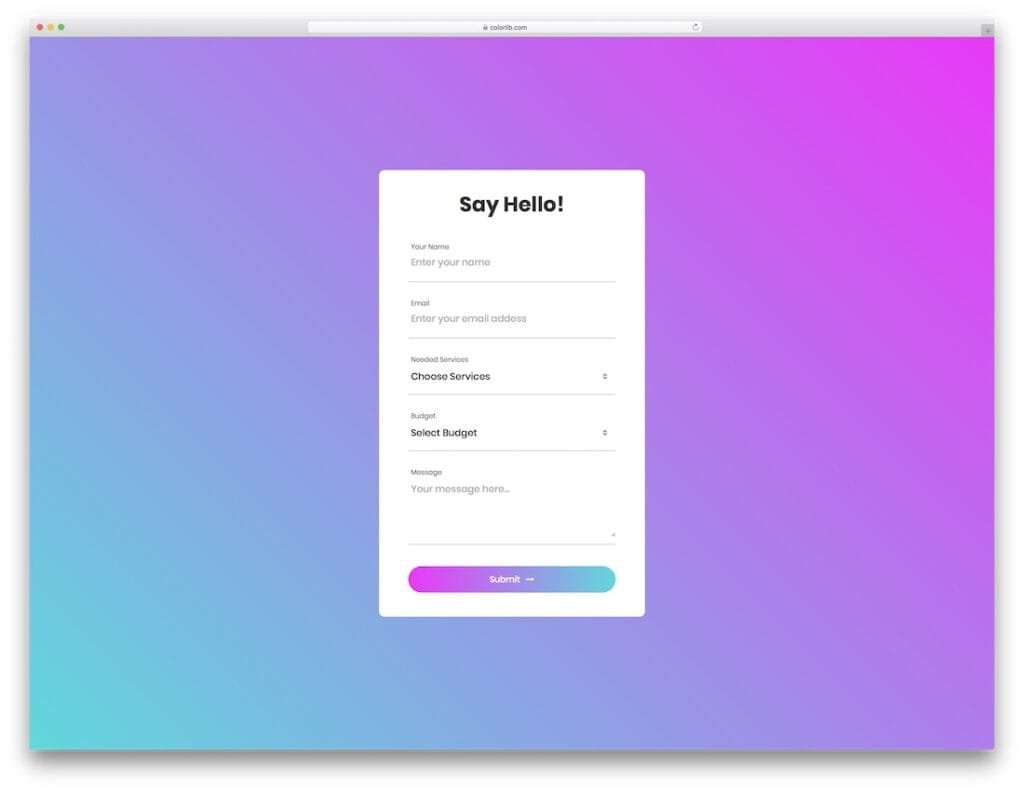
🧪 Sample Form:
<form>
  <label>Email:</label>
  <input type="email" required />

  <label>Pick a date:</label>
  <input type="date" />

  <label>Select volume:</label>
  <input type="range" min="0" max="100" />
</form>
🎨 CSS3 Features – Style Like a Pro
CSS3 made design fun and easy!
You can now create stunning effects without Photoshop. 😎
🎯 Popular CSS3 Properties:
1. border-radius – Make corners round
button {
  border-radius: 10px;
}
Result: Smooth, round buttons 🟢
2. box-shadow – Add soft shadows
div {
  box-shadow: 0 4px 8px rgba(0, 0, 0, 0.3);
}
Looks like a floating card 🧙♂️
3. Gradient Backgrounds – Add color fades
.box {
  background: linear-gradient(to right, red, orange);
}
Great for buttons and headers 🌈
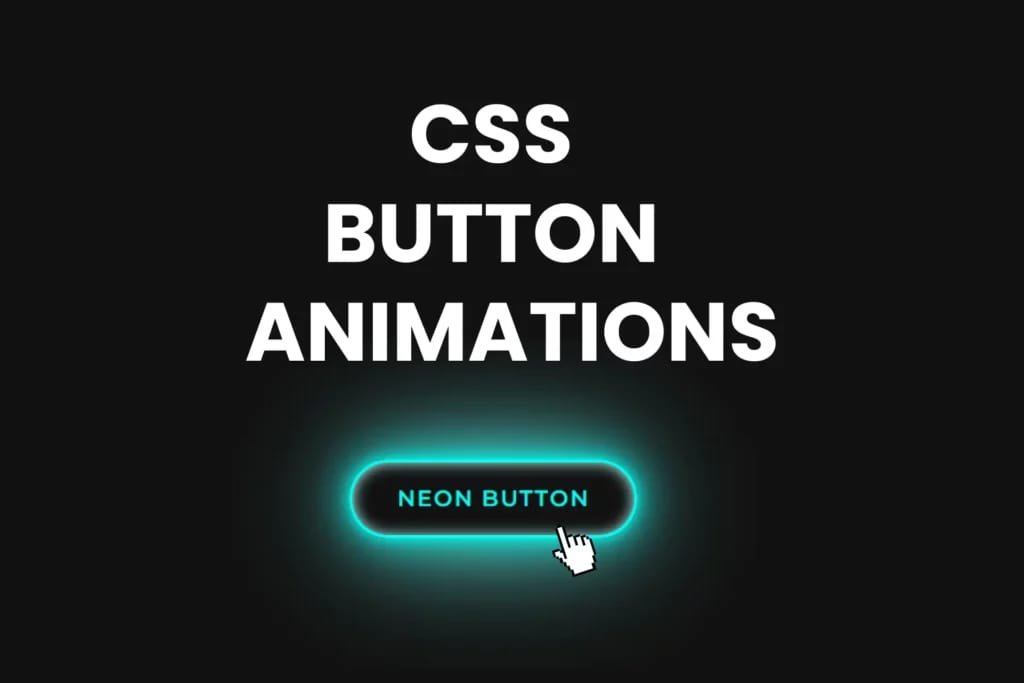
4. Transitions – Smooth movement on hover
a {
  transition: color 0.3s;
}
a:hover {
  color: red;
}
Smooth hover effects = Better user experience 🖱️✨
🧠 Cross-Browser Compatibility
Not all browsers understand new features the same way.
Always test your site on:
- Chrome
- Firefox
- Safari
- Edge
🔧 Tip:
Use autoprefixer or tools like Can I Use to check support.
📘 Summary Table – HTML5 & CSS3 Highlights
| Feature | What It Does |
|---|---|
<header> | Semantic layout, SEO friendly |
<input type="email"> | Validates email addresses |
border-radius | Rounds corners of boxes and buttons |
box-shadow | Adds soft, beautiful shadows |
transition | Creates smooth animations |
🚀 Final Tips for You
- Always use semantic tags for structure.
- Play with CSS3 effects to make your site look cool.
- Try new input types in forms to improve UX.
Build things. Break things. Fix things. That’s how you learn! 💪
📌 Conclusion
So now you know how to build modern, responsive, and beautiful websites using HTML5 & CSS3! 💻🎨
Keep practicing and share your creations with the world.
🔔 Subscribe here: YouTube/WebCodder
📚 Explore more: WebCodder Automation Blog
💬 Join us: WhatsApp Community
See you in the next tech adventure! 🌐✨